ROXI · CONTROL THE SCOPE
VPN recommendations begin with what gets handled
VPN recommendations miss an important question when they stop at a connect button: which connections actually enter the client? Roxi gives you routing modes and scope controls, so your choice can start with an explicit boundary.
A routing mode is not a capture boundary
Global mode does not automatically capture every process on a device. Rules cannot decide the fate of traffic that never reaches the client. These four controls express intent; they are not an unconditional bypass-prevention guarantee.
RULE / GLOBAL
Two ways to express routing intent
Rule-based smart routing chooses paths according to rules; global mode provides a broader proxy-routing comparison. Changing modes does not guarantee access to a destination or a particular speed.
Rules versus global modeANDROID APPS
Choose apps, not assumptions
Android per-app proxy settings let you select apps to proxy or exclude. This is an Android capability, not evidence that desktop platforms share the same application list or permission model.
Android app selectionCUSTOM ROUTING
Make an exception deliberate
Roxi supports custom routing and a local-network bypass option in its routing area. Check the destination addresses you intend to keep local. Bypass is a direct-path choice, not an anonymity feature.
Local-device access boundariesSYSTEM EXCEPTIONS
Desktop apps have different entry points
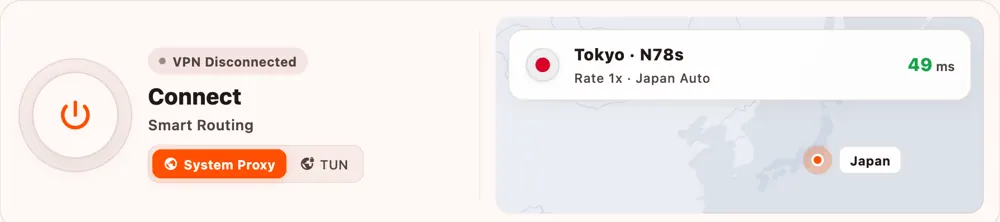
System-proxy exceptions can keep selected destinations outside the system proxy. Their effect depends on whether an app follows that proxy configuration; they do not establish control over every process.
TUN and system-proxy scope